

 If you have forgotten or lost your Live Trading account login credentials, you are easily able to request a new password by following the instructions below. It should be noted that Demo Account passwords cannot be changed, a new account must be created if the password is lost.
If you want to amend your Live trading account password, follow the below steps:
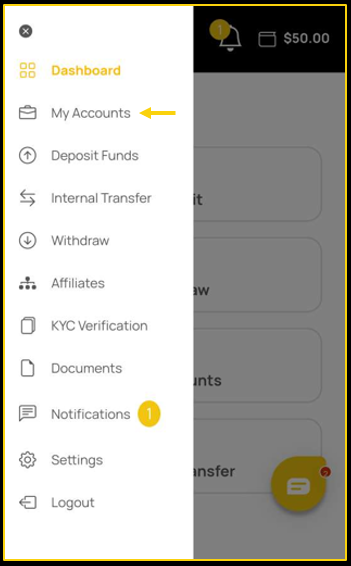
- Go to the My Accounts tab on your account.
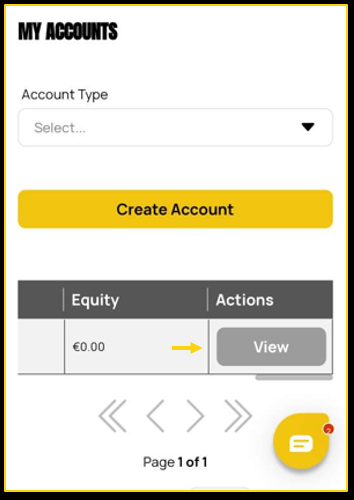
- Scroll to the right of your trading account information and tap on the View button.
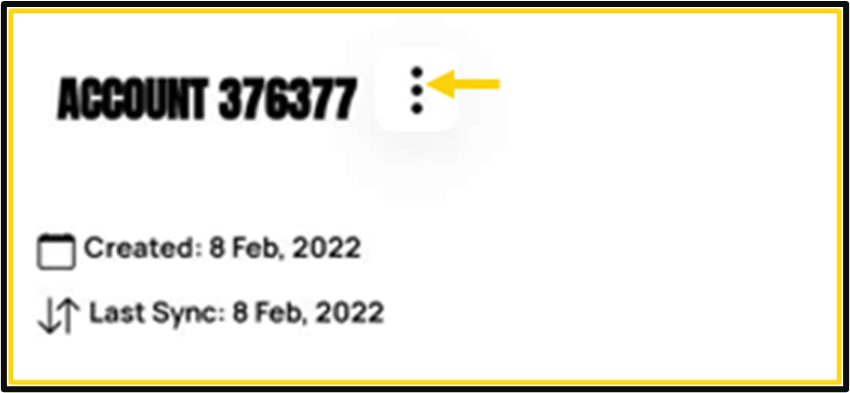
- Tap the three dots icon.
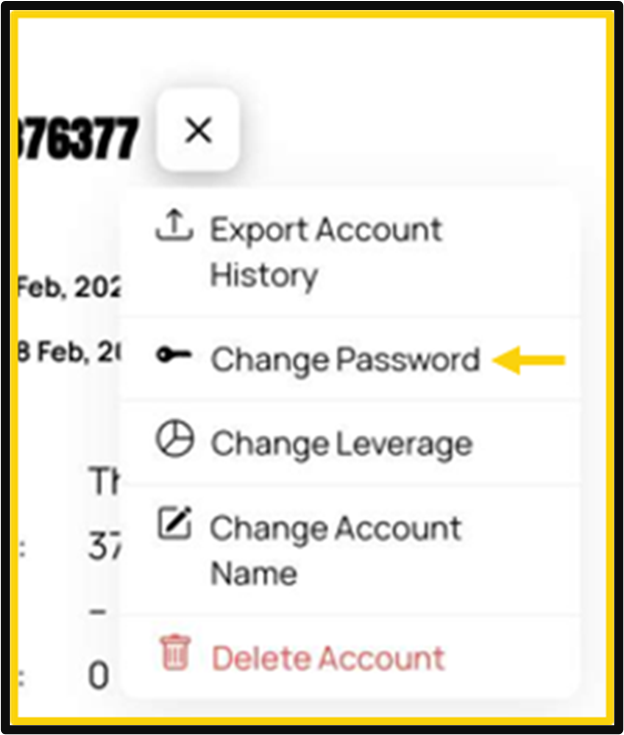
- Change Password. An email will be sent to you automatically with the new password.
If you are unable to locate the email, please check in your spam and junk folders.
